
Career Crox
Transform your recruitment workflow with automated dialing, real-time CRM synchronization, and intelligent performance tracking.
🖼️ Visual Showcase & Highlights
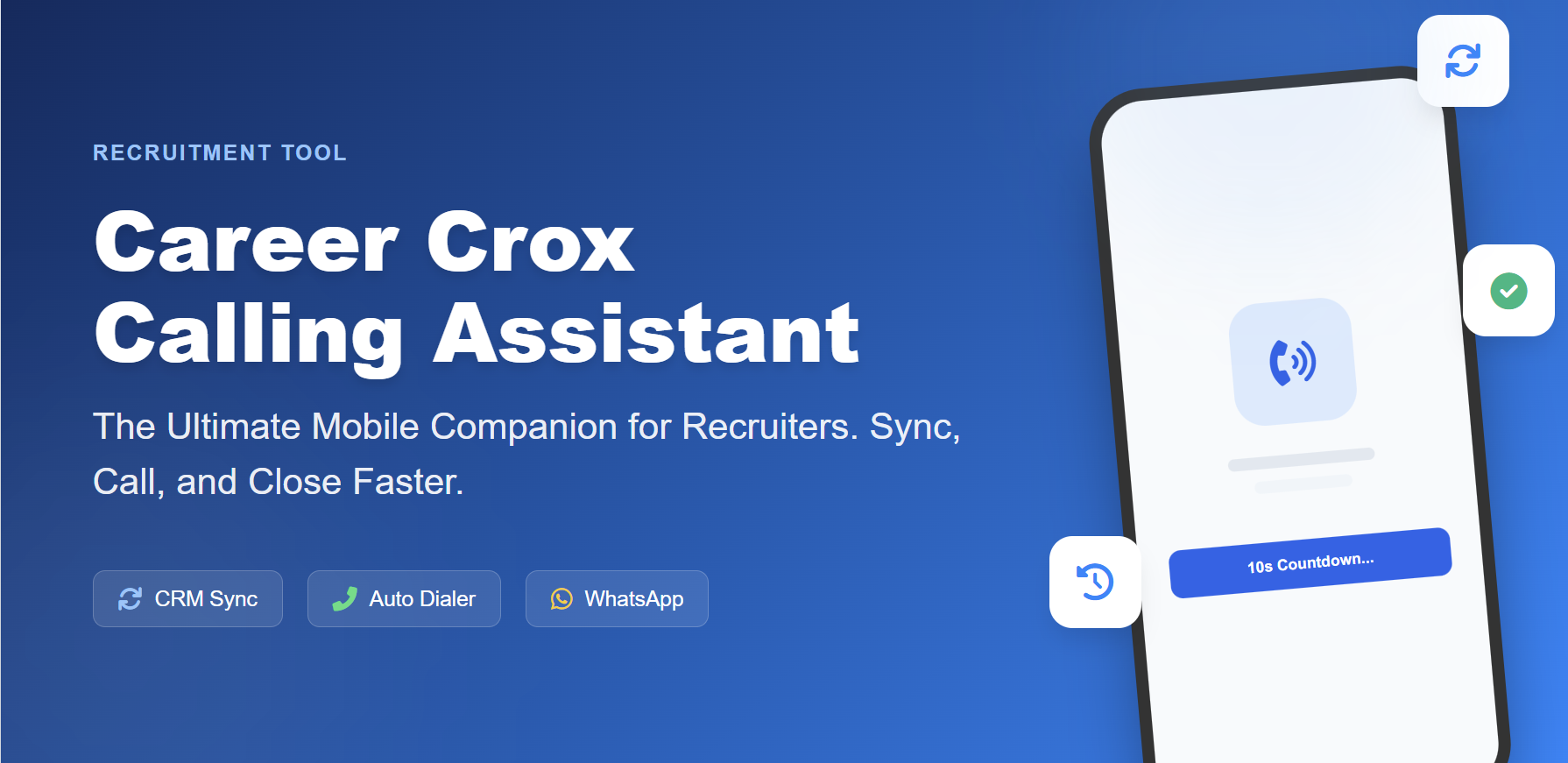
Transform your recruitment workflow with automated dialing, real-time CRM synchronization, and intelligent performance tracking. The ultimate mobile companion for recruitment professionals using Career Crox CRM.
Workflow Redefined

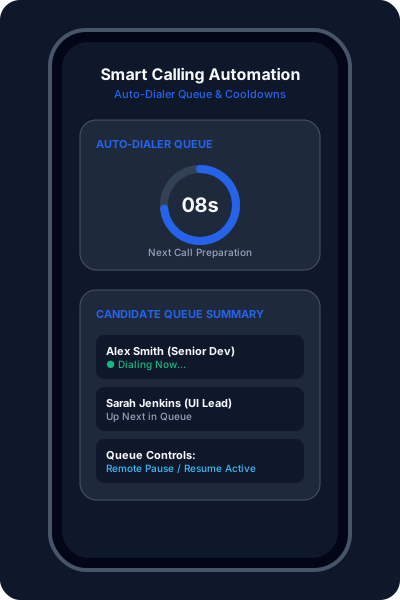
Automated dialing queue with configurable 10-second preparation countdowns between calls. Dual mode control lets recruiters pause or resume from mobile or remotely via desktop CRM.

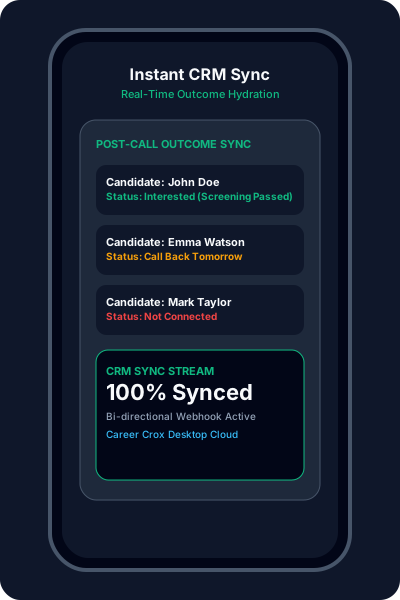
Synchronize candidate call list with a single tap. All call outcomes, timestamps, incoming/missed history, and notes automatically flow back to CRM database.

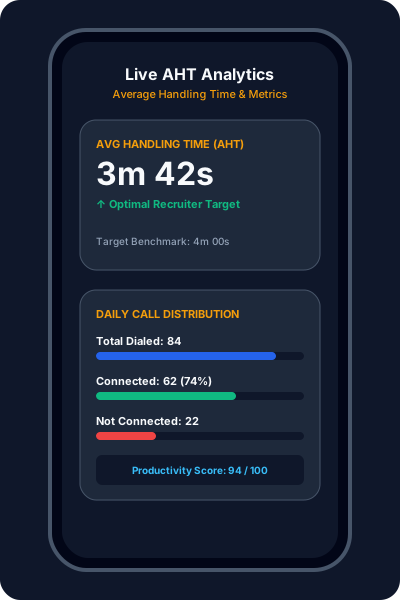
Monitor real-time stats including total Dialed, Connected, and Not Connected calls. Automatically calculates Average Handling Time (AHT) to maintain quality benchmarks.

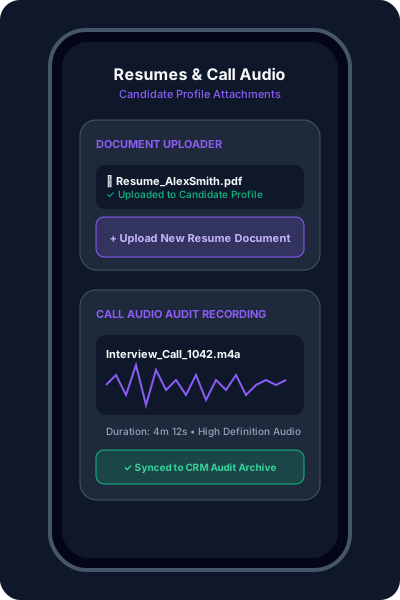
Upload candidate resumes (PDF, Word, Images) directly from phone to CRM. Seamlessly attach call audio recordings to candidate profiles for interview audits.
🚀 Quick Setup Guide
Open the app and enter the 6-digit pairing code generated by your Career Crox CRM web dashboard.
Once paired, tap Sync to pull assigned candidate list and priority tasks from the CRM.
Hit Start Calling. The app will navigate through your queue, initiating calls with smart cooldowns in between.
Upload resumes, link call recordings, and update candidate statuses directly from the post-call interface.
📲 Download & Releases
No binary release has been published to GitHub Releases yet. You can inspect the source code or install via Google Play above.