Med Reminder
Never miss a dose again. Manage medications for you and your family with an intelligent reminder system featuring OCR label scanning and biometric security.
🖼️ Visual Showcase & Highlights
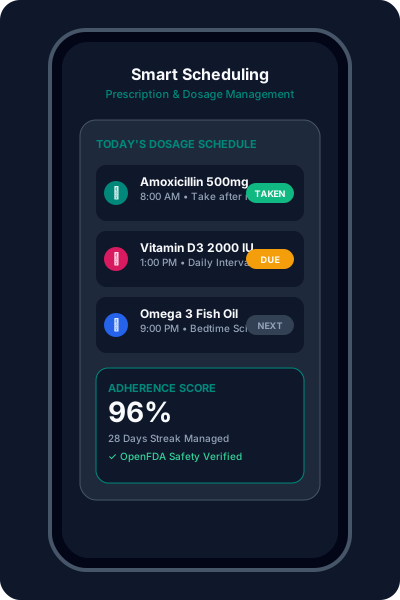
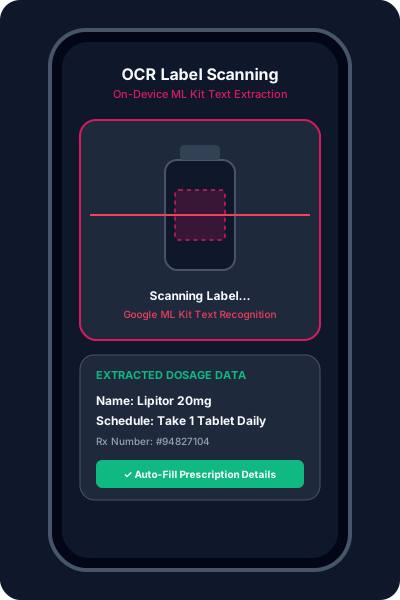
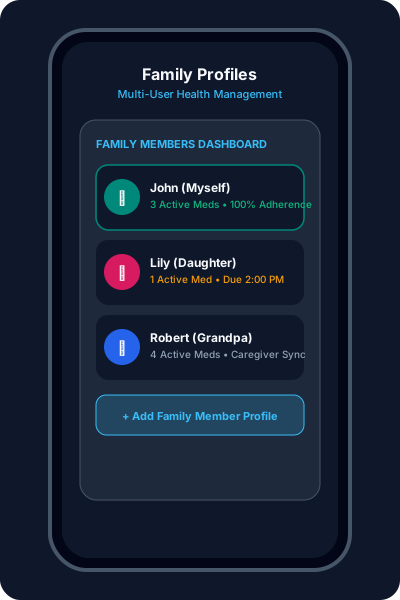
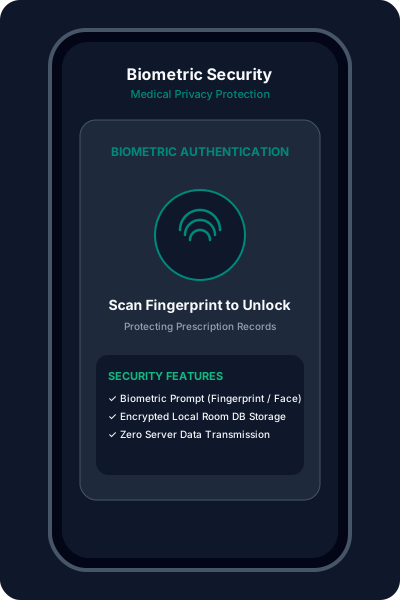
Never miss a dose again. Manage medications for you and your family with our modern reminder system featuring OCR label scanning, drug interaction checking, and biometric security.
Health Intelligence

Easily add medications with specific dosages, frequencies, and recurring intervals. Handles everything from antibiotics to chronic prescriptions.

Point your camera at the medication label. Our AI-driven OCR (Google ML Kit) extracts names and schedules automatically for error-free entry.

Create separate profiles for children, parents, or elderly relatives. Monitor the entire family's adherence from a single dashboard.

Protect sensitive medical data with industry-standard biometric authentication (Fingerprint, Face Unlock, or PIN).
🚀 Patient Setup Guide
Set up your primary profile. You can also add family members with custom icons for easy identification.
Tap Add Medicine. Use the camera to scan the label or manually enter details using auto-complete.
Set precise alarm times. Enable Post-Reboot Execution to ensure schedules are never interrupted by device restarts.
Log doses as you take them. View the Adherence Log to see your progress and identify patterns over time.
📲 Download & Releases
No binary release has been published to GitHub Releases yet. You can inspect the source code or install via Google Play above.