Office Time Counter
Automated attendance tracking, geofencing, and work-life balance wellness utility.
🖼️ Visual Showcase & Highlights
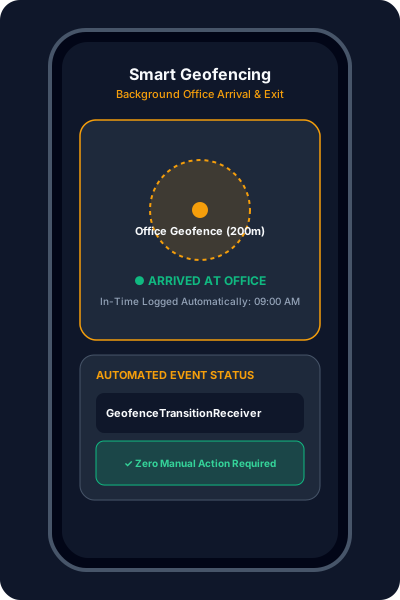
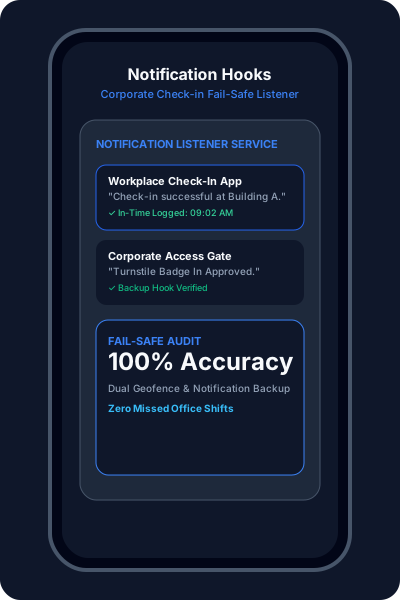
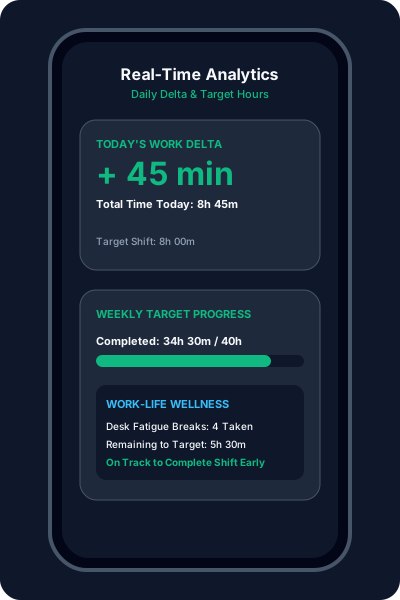
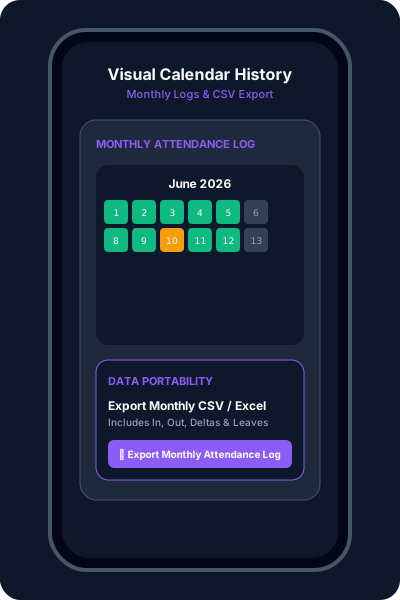
Master your work-life balance with intelligent, automated attendance tracking. Seamlessly log your "In" and "Out" times using advanced Geofencing and notification hooks.
Powerful Automation

Automated arrival and departure detection using background location. High-accuracy tracking that knows exactly when you're at work.

Listen for specific organizational app notifications to trigger logs, ensuring backup reliability for every shift.

Instantly see your daily delta and weekly pending hours. Stay ahead of your targets with zero manual math.

A clean, intuitive calendar view of your entire month. Track patterns, identify gaps, and export your data easily.
🚀 Getting Started
Open settings and pin your office location on the map. Set a comfortable radius (e.g. 200m) to trigger Geofence reliably.
Enable Location (Always Allow) and Notification Access. These are essential for detecting movements in the background.
Define required work hours (e.g. 40 hours/week). The app automatically calculates your progress in real time.
Forget your phone? Easily add Half-Day, Full-Day, or manual time entries to keep your history accurate.
📲 Download & Releases
No binary release has been published to GitHub Releases yet. You can inspect the source code or install via Google Play above.