
Study Companion
AI-Driven Educational Assistant for quiz generation, Leitner flashcards, and TTS audio tutoring.
🖼️ Visual Showcase & Highlights
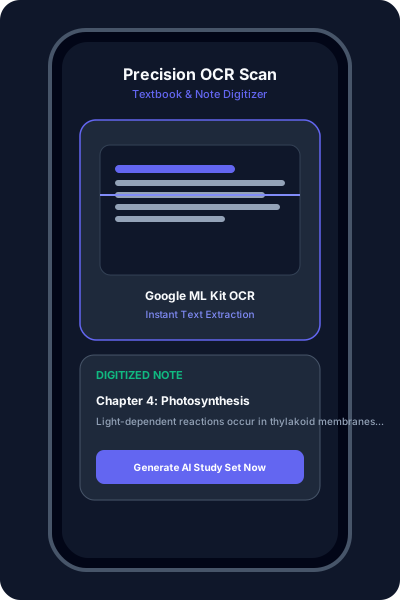
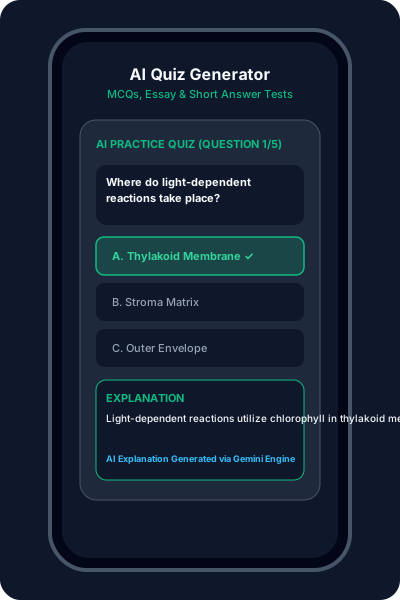
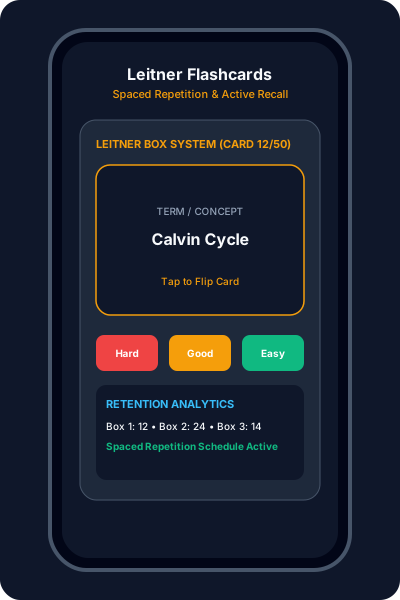
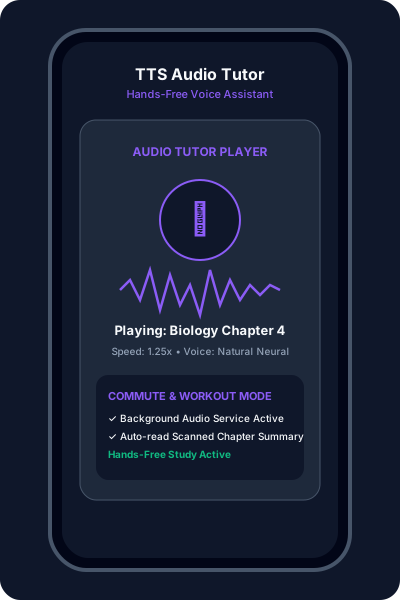
Empower your learning with AI. Convert physical textbooks, lecture notes, and handwritten materials into interactive digital study sets, practice quizzes, Leitner flashcards, and audio tutoring sessions.
Intelligent Learning

Extract text from photos of textbooks or handwritten notes with high accuracy using Google ML Kit. Digitizing notes has never been easier.

Instantly generate practice quizzes (MCQs, Essay, Short Answer) directly from your scanned materials to test your knowledge.

Convert your notes into Leitner-style flashcards for active recall and spaced repetition study, optimized for long-term retention.

Built-in Text-to-Speech (TTS) allows you to listen to your study material or notes while on the move. Listen and learn anywhere.
🚀 Student User Guide
Open app and tap Scan. Take photos of textbook pages or handwritten notes. The app extracts text in real time.
Tap Confirm & Generate. AI will process your text and create personalized tests, notes, and flashcards.
Take a timed MCQ test to verify knowledge, or use the flashcard deck for active recall. Use Tutor mode to listen on the go.
Check the Analytics screen to see study streaks, XP, and badges. Use Revision Mode to focus on missed questions.
📲 Download & Releases
No binary release has been published to GitHub Releases yet. You can inspect the source code or install via Google Play above.